FORMSYour logo.
Your logo.
Your questions.
Create it.
Send it.
Keep the answers.

FOR COACHES & SERVICE BUSINESSES
Manage your enquiries, bookings, forms, emails and invoices in one place.
The beta is open. Try Rella and tell me what you think.
Create it.
Send it.
Keep the answers.
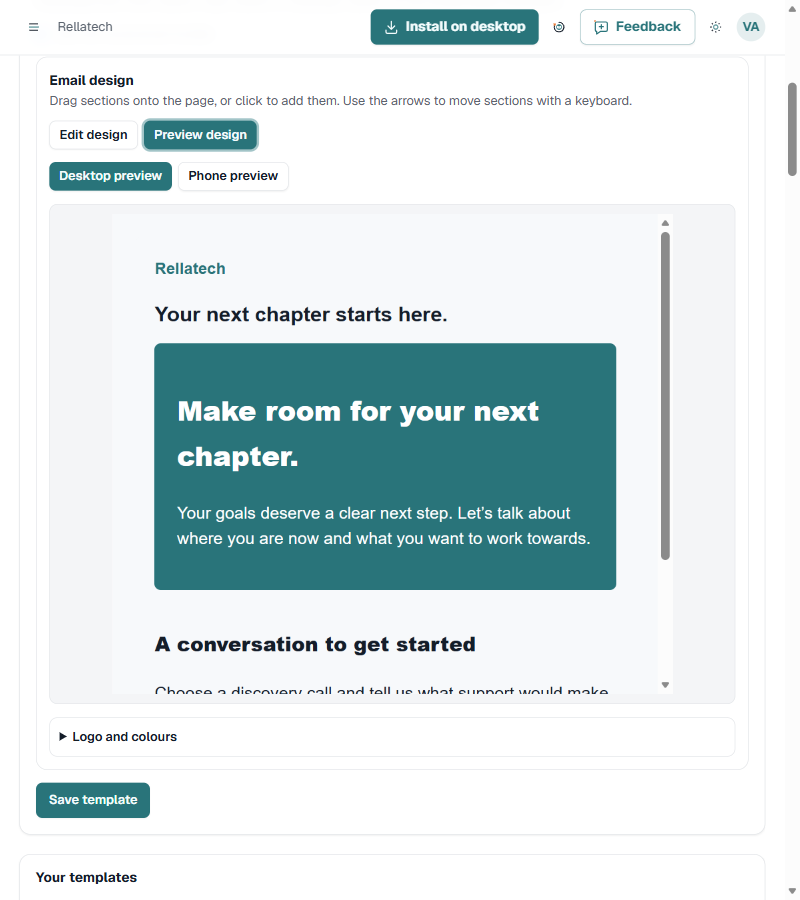
Build a template.
Add your branding.
Send your campaign.
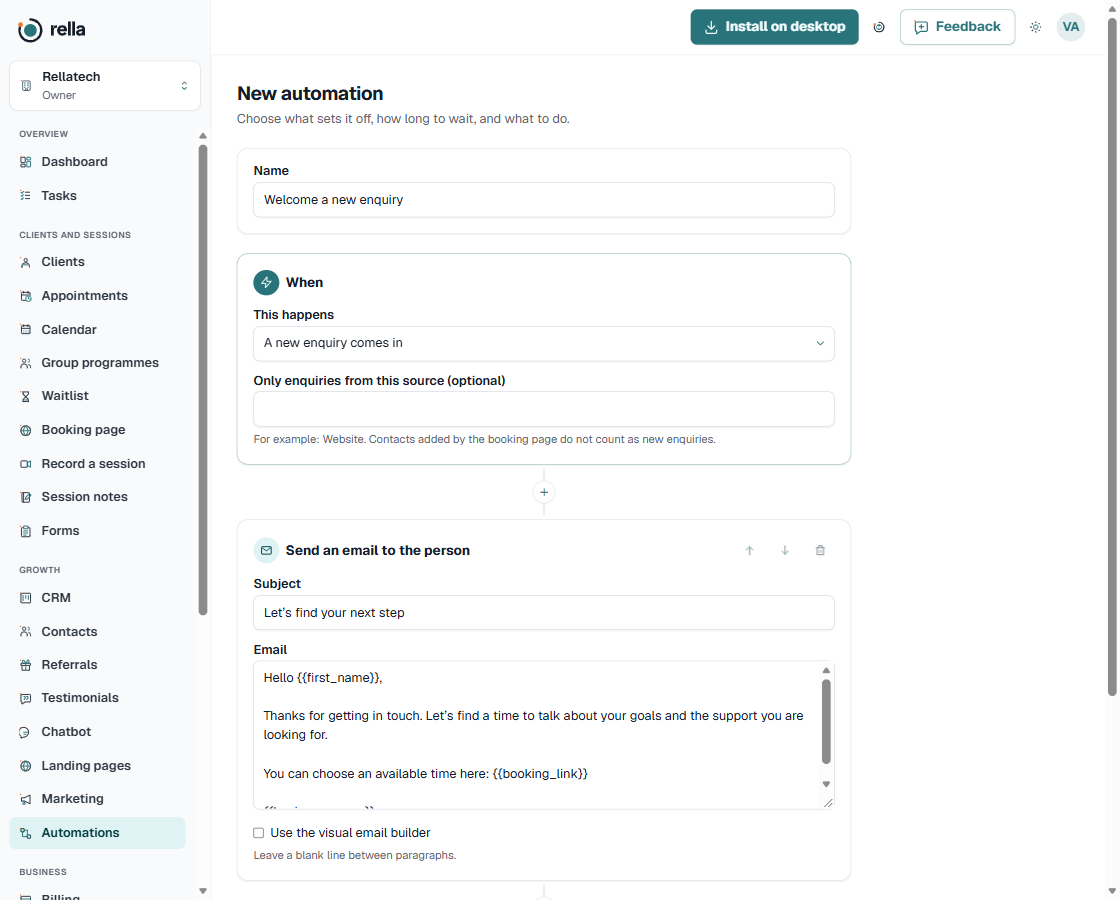
Choose a trigger.
Add your actions.
Check the results.
ENQUIRIES, BOOKINGS & FOLLOW-UPS
See who has asked about your services, who has booked and who needs a follow-up. Keep their details together instead of switching between tools.
Build a landing page, collect a form response and organise new leads on your CRM board.
Share your booking page and send the intake form or agreement your client needs.
Manage tasks, session notes, follow-up emails and invoices as your relationship grows.
TAKE A LOOK INSIDE RELLA
A clearer view of your business, from the first enquiry to the next booking.
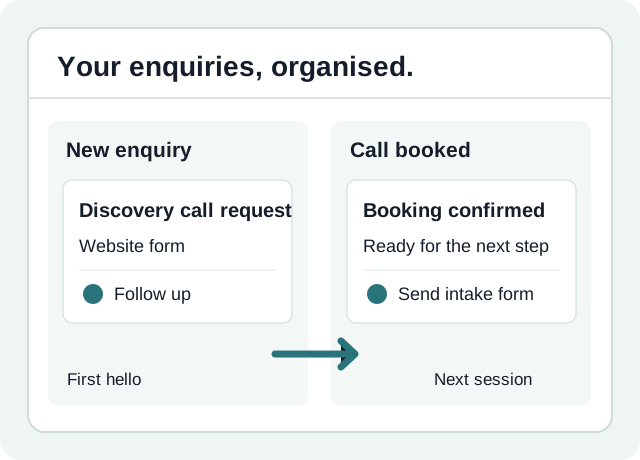
01 / CLIENTS & CRM
Give your leads a clear place to go, from first enquiry to booked session. Keep contact details, client stages and follow-up tasks together.
02 / FORMS & AGREEMENTS
Create the intake forms and coaching agreements you need. Add your branding, send them to clients and keep the answers in Rella.
03 / EMAIL MARKETING
Build email templates with your logo, colours and message. Create campaigns for contacts who have agreed to receive your marketing.
04 / AUTOMATIONS
Choose what starts a workflow, how long to wait and what happens next. Build reminders and follow-ups around the way you work.
05 / LANDING PAGES
Create a page for a service, lead magnet or new offer. Make it yours, publish it and collect enquiries in your CRM.
06 / TRAINING VAULT
Open a lesson inside your workspace and learn at your own pace. From your first setup to forms, automations and branding, find the next step.
IT SHOULD FEEL LIKE YOU
Add your logo. Choose your colours. Edit the text. Make your forms, emails and landing pages look like your business.
Choose a template or build your own page. Adjust the sections and the width until you are happy with it.
Make it your ownWhat would you like help with?
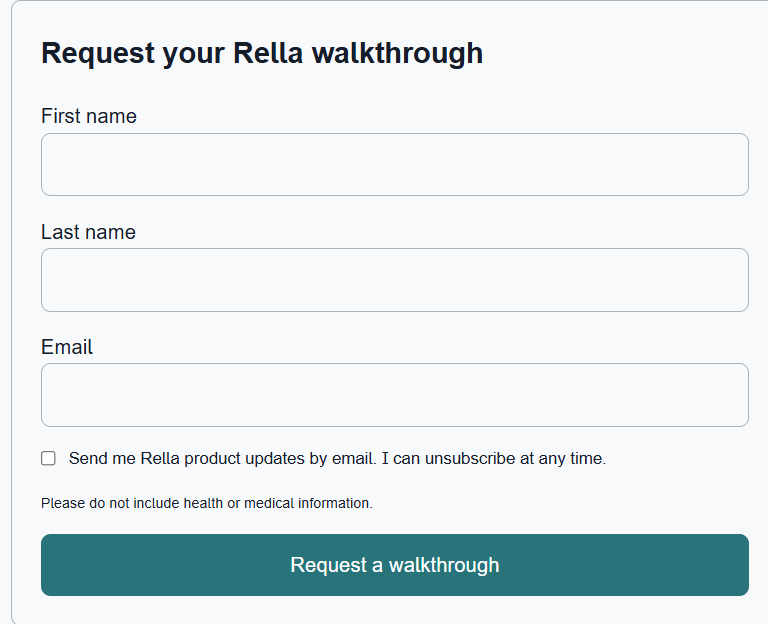
Example form. This preview does not collect information.
BRING YOUR EXISTING RECORDS
Bring exported data into Rella using its import tools. Review and map your fields before importing, and handle appointments, notes, invoices and attachments through the relevant migration options.
What can move depends on the files your current system exports. Connectors and integrations are separate from importing your existing records.
Ask about your move
MEET THE PERSON BEHIND RELLA
I run Rellatech, where I help business owners with admin, client follow-ups and CRM setup.
I'm building Rella for coaches and service businesses who want one place for their bookings, forms, notes and follow-ups.
Join the beta, use it for your business and tell me what you want added or changed.
Join the betaA FEW GOOD QUESTIONS
Rella is for coaches and service businesses that want a clearer way to manage enquiries, bookings, client work and follow-ups.
Yes. Rella's branding and visual builders let you customise forms, email templates and landing pages with your own logo, colours and content.
You can open Rella in your browser at app.rellatech.io. Desktop installation is available for now. There is no iOS or Android download to install.
Rella includes import and migration tools. Start with an export from your existing system and review the available mappings. Different record types may need separate imports, and not every platform exports the same information.
Open Rella to review the current plans and billing options before choosing. Pricing and availability may change as the product develops.
The Training vault inside Rella has lessons covering setup, bookings, clients, forms, automations, branding and other parts of your workspace.
THE RELLA BETA IS OPEN
Join the beta and see how it fits the way you work.
Join the beta